If you’re plotting a children’s book, illustrations can make or break the vibe. Mess up the art, and even a brilliant story sinks. Do this right, and your book leaps off the shelf. Let’s dive into the seven biggest illustration mistakes and how to fix them so your visuals sing with your words.
1) Skipping a Clear Visual Narrative
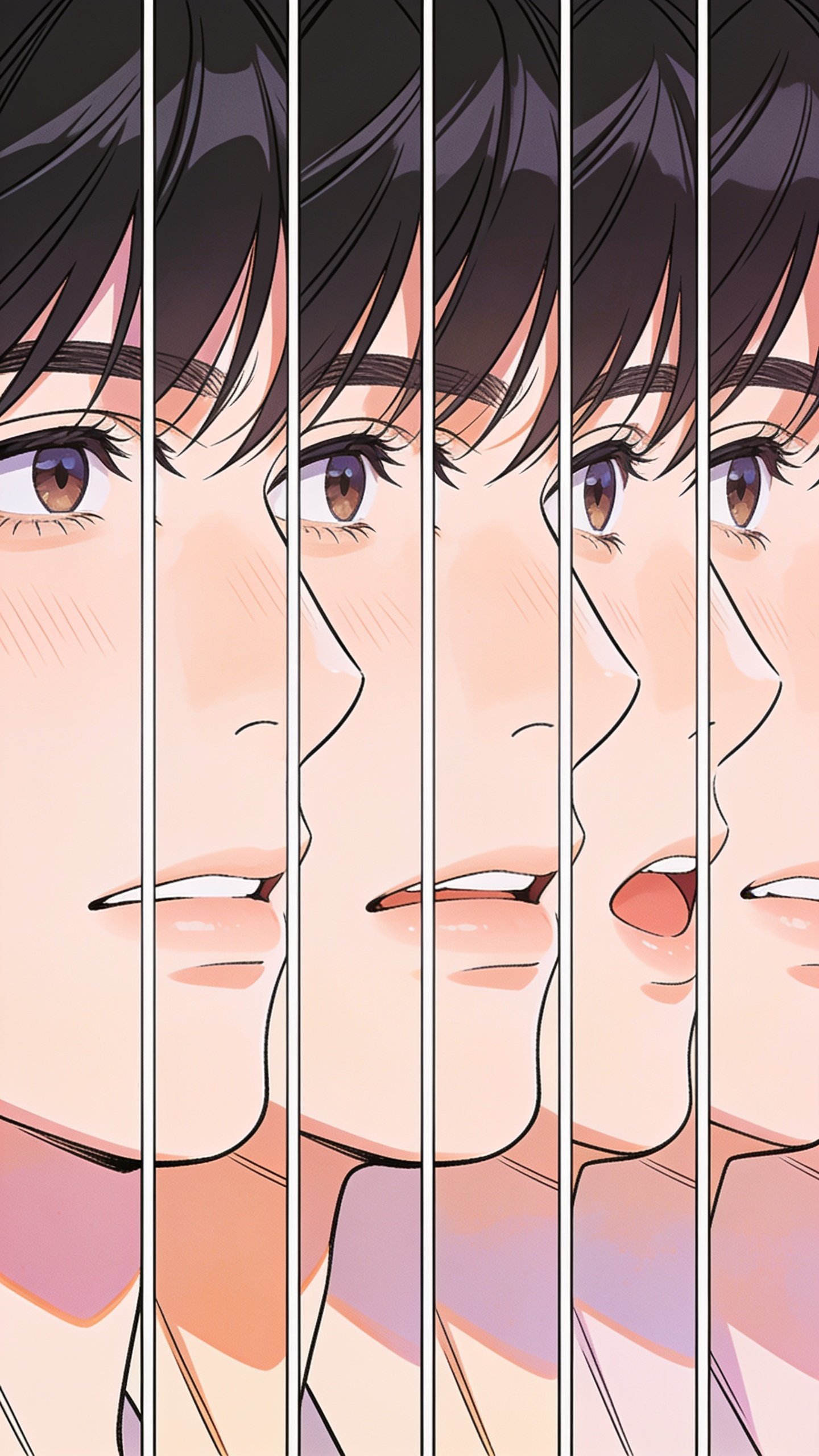
You wouldn’t write a chapter without a throughline, so don’t illustrate one without a clear story thread. When images don’t support the plot or mood, kids get confused faster than you can say “where’s the action?”
– Start with a storyboard that maps key moments to the text.
– Ensure characters’ expressions evolve with the plot.
– Use color and composition to guide the reader’s eye through the scene.
Why it matters: A strong visual narrative keeps kids engaged and helps emerging readers decode the story without feeling left behind.
2) Inconsistent Character Design
Characters should feel like real, evolving beings, not a rotating cast of doppelgängers. Inconsistency—different looks, proportions, or personalities from page to page—pulls readers out of the story.
- Create a character sheet with turnarounds, expressions, and key gestures.
- Keep proportions consistent across scenes, even when perspective shifts.
- Establish signature features (a distinctive hat, a unique smile) to anchor recognition.
3) Overcomplicated or Underdeveloped Backgrounds
Backgrounds are the stage, not the main act. Too busy, and they steal focus; too empty, and the world feels hollow.
When to push the background
- Use layered elements to create depth, but let the foreground characters pop.
- Add small details (a cat in the window, a calendar on the wall) that reward careful reading.
When to pull back
- Simplify to emphasize key moments or emotions.
- Limit color palettes in scenes where the text carries weight.
4) Poor Color Management

Color isn’t just pretty—it communicates mood, time of day, and theme. Misused color can flatten tension or confuse readers about the scene’s tone.
- Choose a cohesive palette that grows with the book’s arc.
- Use warm tones for friendly, cozy moments; cooler tones for mystery or danger.
- Test color harmony with a few pages before committing to the whole book.
5) Text and Image Friction

Illustrations should complement, not fight with, the words. When text sits on top of busy art or runs through important details, readability tanks.
Smart text placement tips
- Leave breathing room around type; avoid placing text over busy patterns.
- Use negative space to anchor important lines or phrases.
- Coordinate with typesetters early to align line breaks and illustration margins.
6) Ignoring Accessibility and Readability
A great book should be readable by all kids, including those with visual or reading differences. Small labels, hard-to-see contrasts, or overly intricate visuals can make it a slog for some readers.
- Maintain strong contrast between foreground and background.
- Keep typography legible with a friendly, big enough point size for emerging readers.
- Include alt-text-friendly visuals on digital formats or companion materials.
7) Underestimating Editorial Feedback
Art is subjective, but good art respects feedback. Ignoring editor notes can leave you with a final product that doesn’t land with your audience.
- Honor critiques about pacing, character appeal, and scene clarity.
- Be willing to revise palettes, poses, or even page order to improve flow.
- Communicate early about cost, printing constraints, and production realities.
Deeper Dives: Practical Tweaks for Each Mistake
Turn consistency into a habit
– Build a one-page character bible with model sheets, color swatches, and preferred expressions.
– Review a few reference spreads side-by-side to ensure tone and look stay stable.
Master the balance of detail
– Decide where your world shines: characters first, environment second.
– Use decorative details as rewards for careful readers, not main plot drivers.
FAQ: Your Most Pressing Questions About Illustration Mistakes
What’s the quickest fix for inconsistent character design?
Keep a character sheet and reference board accessible. Before starting a new page, compare the main character’s pose and features to the sheet. It’s a tiny habit with huge payoff.
How do I know if my backgrounds are too busy?
If your characters frequently blur into the scenery or you can’t locate the focal point in a panel within 3 seconds, scale back. Simplify color, reduce clutter, and push the action to the foreground.
What should I do about text clashing with art?
Coordinate with your designer early. Designate safe zones for titles and captions, and keep the artwork beneath or behind that space. Test readability on various devices if you’re digitizing.
How can I ensure accessibility without sacrificing style?
Use high-contrast colors for foreground and background, large, friendly fonts, and descriptive alt-text for images in companion digital formats. Style can still be vibrant—just keep readability front and center.
Is feedback really essential, or can I trust my gut?
Feedback is gold. It reveals what you can’t see from inside the project. Embrace editor notes as opportunities to improve, even if you disagree at first. FYI, it usually makes the book stronger.
Conclusion
Illustration in a children’s book is a collaborative art. When you fix these seven mistakes—clear visual storytelling, consistent characters, balanced backgrounds, smart color use, thoughtful text integration, accessibility, and openness to editorial feedback—you set your book up to enchant, inform, and stay memorable long after the last page is turned.
If you’re ready to take your illustrations from meh to magical, start with a quick audit: are your visuals telling the same story as your words? If not, use these tips as a roadmap to tighten your art, refine your layout, and give young readers a truly immersive experience that they’ll want to reread with you. IMO, a little polish goes a long way toward creating a book kids and parents will adore. FYI, the best projects often come from embracing honest feedback and fearless experimentation.